.png?width=357&height=85&name=tpiq-logo%20(375x85).png)
Resetting Your Password
Follow these steps:
-
Go to the TaxPlanIQ login page
Example format:https://yourfirmname.taxplaniq.com/login -
Click “Forgot your password?”
This link appears below the password field on the login screen.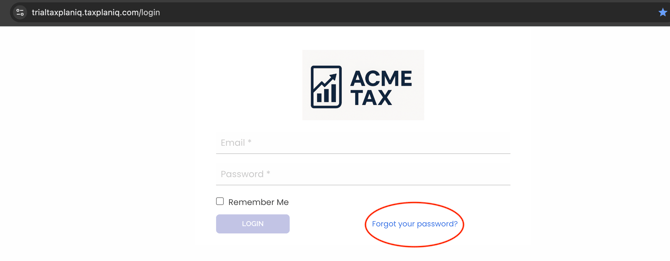
-
Enter the email address associated with your TaxPlanIQ account
-
Click “Send”
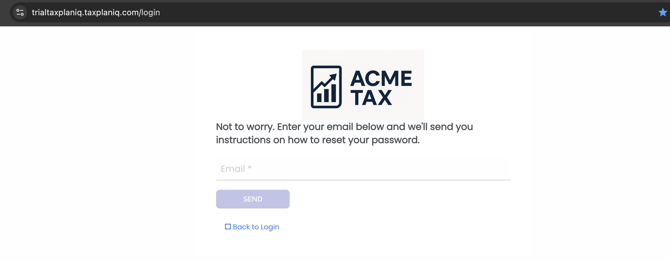
-
If you are an active TaxPlanIQ user, you will receive an email containing either:
-
A password reset link, or
-
A temporary password (depending on your configuration)
-
-
Follow the instructions in the email to log in and update your password.
Didn’t receive the password reset email?
If you don’t see the email in your inbox within a few minutes:
✔ Check your Spam, Junk, or Quarantine folders
✔ Make sure you entered the same email address used for your account
✔ If your firm uses email filtering, ask IT to allow mail from TaxPlanIQ
If you still don’t receive the email, please contact your firm admin or Support@taxplaniq.com for assistance.
Security Tips
For your security, we recommend:
• Use a strong password with at least 8–12 characters
• Avoid re-using passwords from other systems
• Never share your password with others